
Retroid Pocket Duo shipping, setup and reviews
Reported shipments
122 reportsYour estimate
How this estimate was worked out
Shipping windows
Seven-day windows starting today, China time, weekends included. Each order number appears in the week its estimate centres on. Earlier estimated dates are labelled likely shipped; missing reports do not mean an order is waiting. Individual shipments can differ.
Confirmed so far
i
These come from buyers reporting their own orders. Shipped means they got a label or tracking number, even if the parcel hadn't left the warehouse yet. Reports counts buyers who shared their order number. Plenty of people never report, so neither figure is the number of Duos shipped.Reported shipping prefixes
The highest order number a buyer has reported shipping, for each colour. Earlier orders may still be waiting, and a label doesn't always mean the parcel has left.
- 2383xxxGC
- 2380xxxIce Blue
- 2381xxxClear Purple
- 2378xxxBlack
- 2383xxx16Bit
Forecast as of (China date).
Reports checked up to .
See all shipment reportsRetroid’s official dashboard · checked .
Which Duo colours are people ordering?
Based on 451 buyers in the community who said which colour they ordered, up to . A rough guide, not sales figures.
- Black
- GC
- Clear Purple
- 16Bit
- Ice Blue
Got your Duo?
Get one game working before adding a frontend.
- Set it upAndroid setup, game folders and one emulator, until one game launches and saves.
- Choose a frontendCocoon, ES-DE, NeoStation and others, for a game library across both screens.
- Play your first gameReviewers’ DS and 3DS settings, for the two systems the Duo runs best.
- Size your microSD cardRough space per system, from how many games you plan to keep.
Latest setup and driver findings
New settings from Duo reviews and what owners are finding. Open one to see the device and versions it was on.
- DroidDeck game launches on the lower screenOne Pocket Duo owner reports that a game keeps opening on the lower screen in DroidDeck and they could not find how to change the display. The game, DroidDeck build and launch settings were not supplied, and no solution was confirmed. This records a setup difficulty, not a confirmed general software defect.Nov 6, 2026 · Community report
- Iconic theme paired with a dual-screen companionA community member describes using the Iconic theme with a companion app for dual-screen devices as their default frontend setup. The hardware, app versions and exact companion build were not identified; this is a setup preference, not a performance or battery test.Nov 6, 2026 · Community report
- GameNative shortcuts and community configs on Pocket ClassicA Pocket Classic owner reports using GameNative frontend shortcuts successfully and saving setup time with community configurations. They did not name the games, app version or frontend. This report leaves Duo behaviour and Dead Cells performance untested.Nov 6, 2026 · Community report
 3DSPretendo online play needs a real 3DS or 2DS for setupPretendo documents online setup for official Azahar builds using a homebrewed 3DS/2DS, Artic Setup Tool and Nimbus. Required online LLE modules disable save states. The guide uses desktop menus; this is documented setup, not a completed Android or Duo test.Nov 5, 2026 · Official update
Recent reviews and hands-on videos
Reviews, first impressions and setup videos for the Duo and Duo Lite.
 🔥 Probé la Retroid Pocket Duo: ¿Vale la pena para 3DS, Switch y más?Esto es Retro · First impressions
 Retroid Pocket Duo: The Ultimate Stress TestOJAYSAN · Gameplay test
 The new Dual Screen to get: Retroid Pocket DuoWULFF DEN · Review
 Retroid Pocket Duo : configurer ses émulateurs (Guide complet)Cloud Gaming France · Setup tip
 BIG Driver Updates for the Retroid Pocket DuoRetro Game Corps · Setup tip
 千元双屏掌机RP Duo,上手体验到底如何?卡纸biubiu · First impressions
Game notes
Settings and results reported in Pocket Duo and Duo Lite videos.
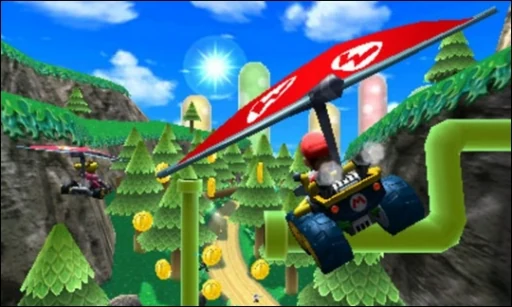 3DSMario Kart 7Regular Duo reviews and an earlier Duo Lite test give different results, so check the hardware, emulator and driver on each short clip below.Pocket Duo and Duo Lite
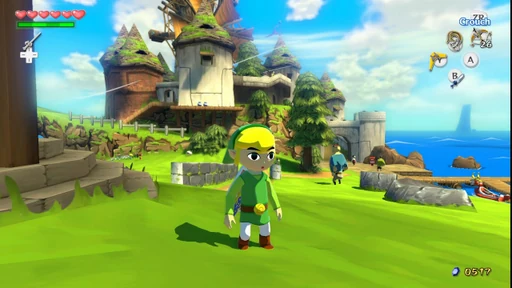 Wii UThe Wind Waker HDCemu and a separate native Android recompilation both have short regular Duo samples around 30 fps. Their apps, drivers and settings differ; the recompilation fork is unconfirmed and neither sample establishes full-game performance. A later native-port sample reports 1080p with stock drivers; its sampled counters do not establish locked 60 fps.Pocket Duo
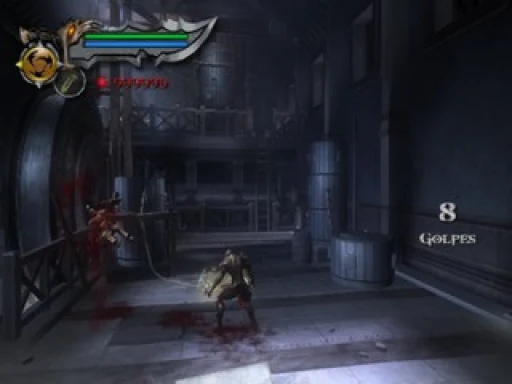
 PS2God of War IIA Duo review reports improved results with a custom Turnip driver in ARMSX2. The same video notes that custom drivers can introduce glitches or crashes.Pocket Duo
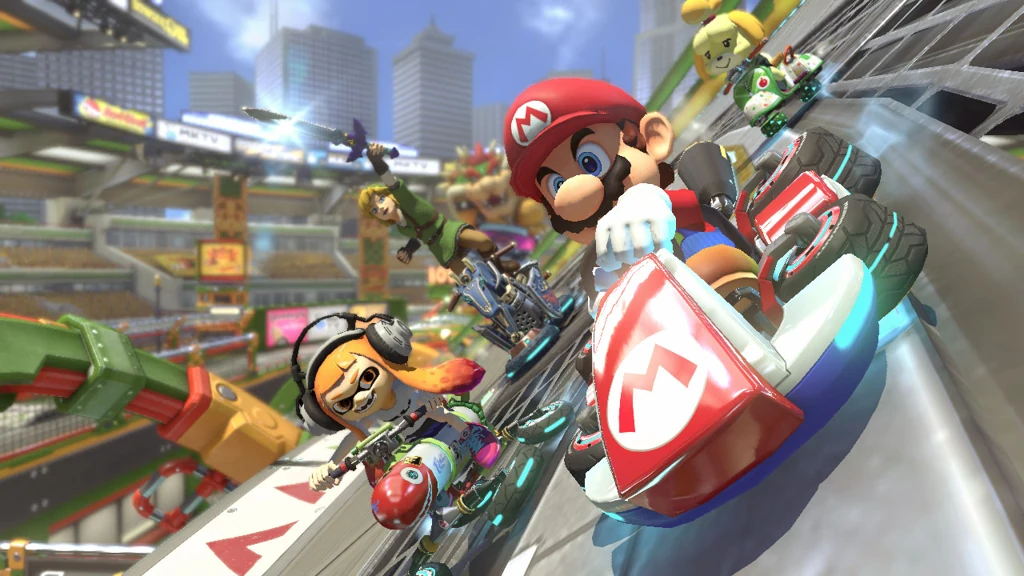 SwitchMario Kart 8 DeluxeA stream reports better performance with a custom driver in Eden, without a stable 60 fps, and a written review saw 30 to 45 fps. A later 0.75× sample approaches 60 fps with drops and missing/flickering item icons; its emulator and driver build are unconfirmed.Pocket Duo
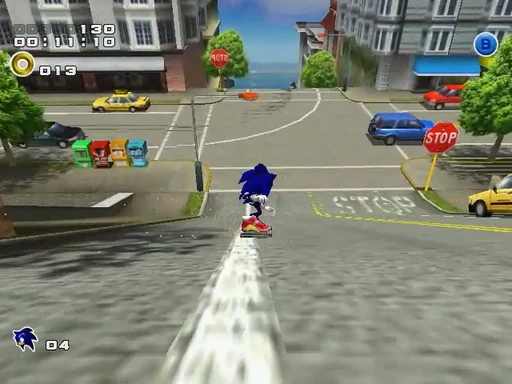
 DreamcastSonic Adventure 2Sonic Adventure 2 runs acceptably in the reviewer’s early 1× Flycast test on a Duo Lite. They say upscaling had felt laggy, and only an early stretch was shown.Pocket Duo Lite
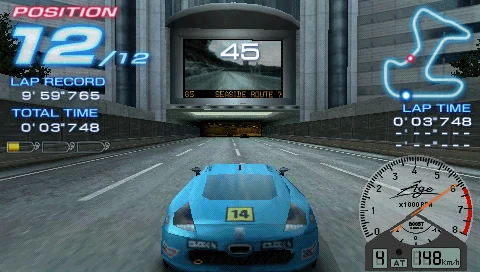 PSPRidge Racer 2Ridge Racer 2 has intermittent dips during the 3× PPSSPP test on Lite. The reviewer tries Force 60 fps instead of Request 60 fps, then says the same dips remain.Pocket Duo Lite
Card screenshots come from Libretro, not from a Duo.
All game notesQuestions buyers ask
Does “Label created” mean my Duo is on its way?
It means a shipping label exists. Carrier collection and movement are separate steps. A shipping email or tracking number can arrive before the parcel leaves the warehouse.
Why has a higher order number shipped before mine?
The recorded reports do not form a strict queue: different colours and different buyers at the same prefix can have different shipment dates. A higher reported prefix does not confirm that every earlier order shipped, and a missing report does not establish a delay.
Will my accessories ship with my Duo?
Buyers have reported both combined parcels and Duos shipping separately from grips or other accessories. A separate accessory shipment is not another Duo shipment. Check the items listed on your own shipping notice.
Are these all the Duos Retroid has shipped?
No. These are anonymous first-hand community reports, not Retroid’s order database or sales totals. Repeat updates are combined. A mixed-colour order can have one entry for each colour, so the number of entries is not a count of unique buyers.
How do I check whether my own order has shipped?
Check your order page, shipping email and carrier tracking. The first four digits and colour cannot identify your individual order, and this page has no access to your Retroid account.
How much should I trust the Guesstimator?
Treat its dates as rough guesses that can be very wrong, not promises or personal shipment confirmations. Fast, normal and slow cases use different assumptions. An estimated date that has passed is still not proof your parcel shipped.
Can games always play on the top screen?
Not with one switch that we know of. Double-tapping the Home button opens Retroid's dual-screen panel, where you can pick which display is active, and reviewers say the bottom screen can be turned off for single-screen games. Where the game itself appears is still each emulator's call, so set the main picture to the top screen in its layout settings. If you launch from Cocoon, its dual-screen guide sets the launch display per game or folder. Dual-screen troubleshooting covers games that open on the wrong screen.