
How much microSD storage does your Pocket Duo need?
Work out what size microSD card your Pocket Duo needs for the systems and games you want to play.
In this guide
Estimate your game storage
Pick the systems you’ll play and how many games you want on each. Count every disc of a multi-disc game.
Select a system and set a game count to see your estimate.
Most owners buy SanDisk or Samsung, and Lexar and Kingston are safe picks too. Watch out for fake cards on marketplaces. Which card to buy
Typical game file sizes
Average game sizes as described by the No-Intro and Redump catalogues (updated November 2, 2026).
| System | Catalogued games | Average size | Catalogue |
|---|---|---|---|
| Game Boy | 1,043 | 300 KB | GB |
| Game Boy Color | 915 | 1.4 MB | GBC |
| Game Boy Advance | 1,538 | 8.5 MB | GBA |
| NES | 1,370 | 400 KB | Headered NES |
| Super Nintendo | 1,749 | 3.1 MB | SFC |
| Nintendo 64 | 388 | 17 MB | Public No-Intro Z64 |
| Nintendo DS | 3,240 | 56 MB | Decrypted NDS |
| Nintendo 3DS | 1,792 | 990 MB | Encrypted cartridge 3DS |
| Nintendo GameCube | 651 | 1.5 GB | ISO |
| Nintendo Wii | 1,612 | 4.7 GB | ISO |
| Nintendo Switch | 4,132 | 1.3 GB | Standard digital NSP |
| PlayStation | 4,053 | 460 MB | BIN/CUE |
| PlayStation 2 | 4,351 | 2.4 GB | BIN/CUE or ISO |
| PSP | 1,914 | 960 MB | ISO |
| Master System | 314 | 220 KB | SMS |
| Mega Drive / Genesis | 878 | 1.5 MB | MD |
| Game Gear | 365 | 340 KB | GG |
| Dreamcast | 619 | 1.2 GB | BIN/CUE |
| Original Xbox | 989 | 7.7 GB | Full Redump image |
| Xbox 360 | 2,155 | 8.0 GB | ISO |
Cartridge games are tiny, so a full Game Boy or Super Nintendo library fits in a few gigabytes, and disc games are where the space goes. Each disc of a multi-disc game is its own file. These averages cover every region and revision, so your own collection may come out a little bigger or smaller.
Switch games vary the most. Standard digital NSP files average 1.3 GB, while full XCI cartridge files average 6.2 GB, and updates, DLC and a few very large games can push a Switch library well past either figure.
Compressing your games can save a lot of space. Dolphin says uncompressed GameCube and Wii games are about 1.4 GB and 4.7 GB and recommends its RVZ format, which shrinks them by an amount that depends on the game. CHD does the same for many disc systems, but not every emulator can open it. If you already have your games, their real sizes beat any average.
Original Xbox games are a special case. HakuX, the Xbox emulator for Android, plays ISO or XISO files. A full Xbox disc image carries a video section as well as the game, and an XISO keeps only the game part, so it’s usually much smaller. Retro Game Corps found most 7.39 GB images shrink to about 3 GB, so treat the Xbox figure above as the most you’d need. Skip CHD and CCI for Xbox: xemu doesn’t open CHD, and CCI is made for Cerbios, with no word yet that HakuX supports it.
The Xbox 360 figure tells you how much room the games take, not whether they’ll run. XenDroid asks for an Adreno 740 or newer and hasn’t been tested on lower chips, including the Duo’s Adreno 722.
What belongs on the card?
The Duo has 128 GB of built-in storage and a microSD (TF) card slot. Put your games, artwork and music on the card, and keep Android and the emulator apps in built-in storage, which is where Android puts apps anyway. Each emulator or frontend asks you to pick its game folder the first time you open it.

Leave about 20% of the card free for new games, saves, updates and artwork. For folders and first setup, see the Pocket Duo quick start.
Which card to buy
Buy a name brand from a seller you trust. SanDisk and Samsung are the cards Retroid owners mention most, and owners also report good results with Lexar, Kingston, PNY, TeamGroup and Patriot. No Duo owner has reported a card that failed, so stick with a well-known brand.
Fake cards are the bigger risk. Several people in the Duo community have bought one, including a “1 TB” card that held 8 GB and a “256 GB” card that held 64 GB. Fakes usually come from marketplace sellers and look like a bargain, so be suspicious of any card priced well below the table below. Before you copy games onto a new card, check its real size with F3 on a Mac or Linux, or H2testw on Windows.
Look for U3 and A2 on the label. A1 cards load games fine, but owners say frontends like ES-DE start noticeably slower when their artwork sits on an A1 card. Skip microSD Express cards, which are made for the Switch 2: they cost more and run at ordinary speed in a regular slot.
Format the card as exFAT. The Duo’s storage settings will format it for you, or choose exFAT if you format it on a computer. FAT32 can’t hold a file bigger than 4 GB, which rules out most GameCube, Wii and PS2 games.
| Card size | Typical price |
|---|---|
| 128 GB | $25 to $40 |
| 256 GB | $35 to $75 |
| 512 GB | $65 to $150 |
| 1 TB | $130 to $290 |
| 2 TB | $350 to $500 |
These are rough US prices for name-brand cards, checked November 4, 2026. Flash memory prices rose sharply through 2026, with some 512 GB cards doubling in a few months, so expect them to move.
Retroid hasn’t said what the largest supported card is, and no Duo owner has confirmed a 1 TB or 2 TB card yet. One Pocket 6 owner runs a 2 TB card, which is a good sign but not a guarantee, so check with Retroid before buying a very large one. Card makers count 1 GB as 1,000 MB, so Android will always show a bit less free space than the label says.
For setup by system, see the DS and 3DS guide or the frontend guide.
Sources
- F3: test a flash card's real capacity
- Why SSD and SD card prices are going up in 2026
- Retroid Pocket Duo product specifications
- Retroid Pocket Duo specification graphic
- Android data and file storage overview
- OMNI_DAT file-size summaries for No-Intro and Redump catalogues
- Retro Game Corps: original Xbox on Android, XISO sizes
- XenDroid: Xbox 360 emulator device requirements
- OMNI_DAT public Nintendo 64 catalogue
- OMNI_DAT Nintendo Switch standard digital NSP catalogue
- No-Intro Dat-o-MATIC catalogue
- Sony annual report describing PSP UMD capacity
- Sony support: DVD disc capacity
- MAME documentation: CHD images and compression
- Dolphin FAQ: supported GameCube and Wii image formats
- HakuX official project and supported game images
- xemu FAQ: compressed image support
- xemu disc-image guide
- Team Resurgent Repackinator: CCI support and Xbox image options
Related game notes
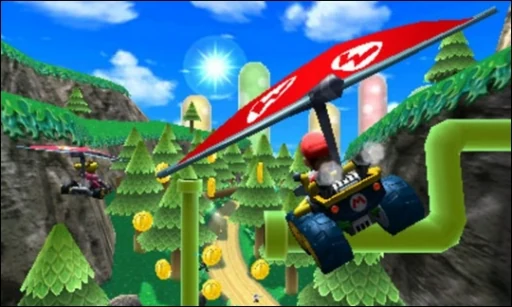
 3DSMario Kart 7Regular Duo reviews and an earlier Duo Lite test give different results, so check the hardware, emulator and driver on each short clip below.Pocket Duo and Duo Lite
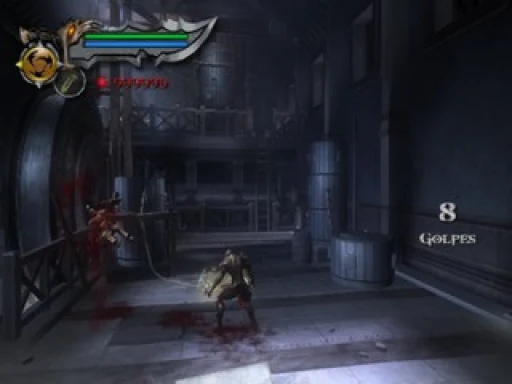
 PS2God of War IIA Duo review reports improved results with a custom Turnip driver in ARMSX2. The same video notes that custom drivers can introduce glitches or crashes.Pocket Duo
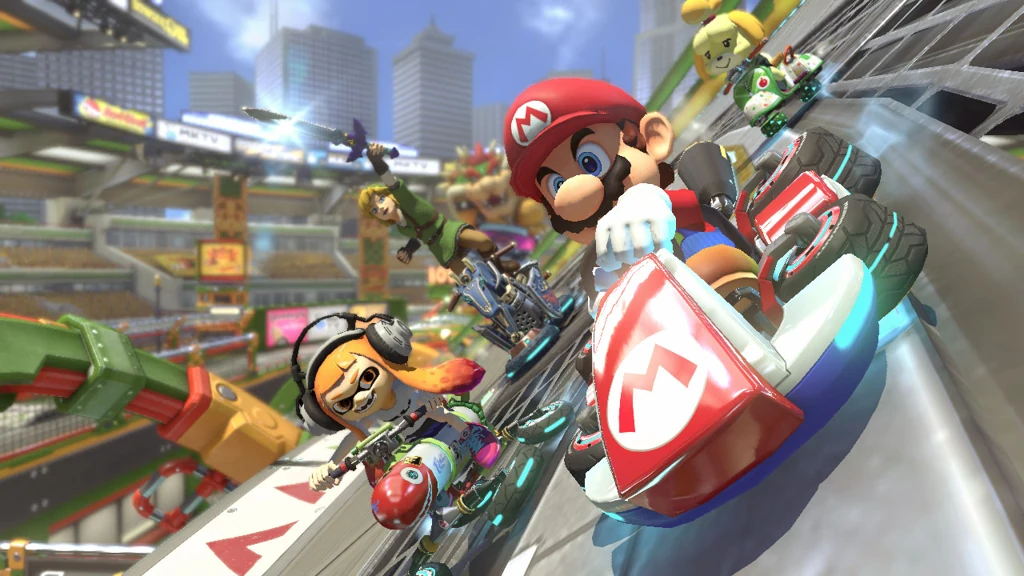 SwitchMario Kart 8 DeluxeA stream reports better performance with a custom driver in Eden, without a stable 60 fps, and a written review saw 30 to 45 fps. A later 0.75× sample approaches 60 fps with drops and missing/flickering item icons; its emulator and driver build are unconfirmed.Pocket Duo
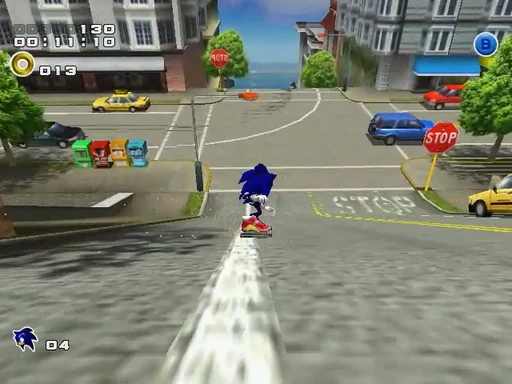
 DreamcastSonic Adventure 2Sonic Adventure 2 runs acceptably in the reviewer’s early 1× Flycast test on a Duo Lite. They say upscaling had felt laggy, and only an early stretch was shown.Pocket Duo Lite
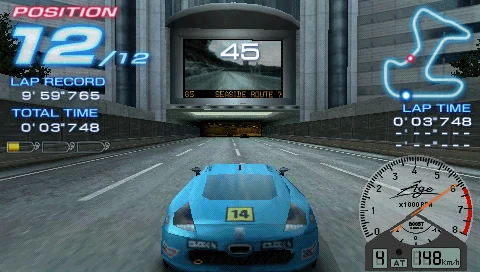 PSPRidge Racer 2Ridge Racer 2 has intermittent dips during the 3× PPSSPP test on Lite. The reviewer tries Force 60 fps instead of Request 60 fps, then says the same dips remain.Pocket Duo Lite
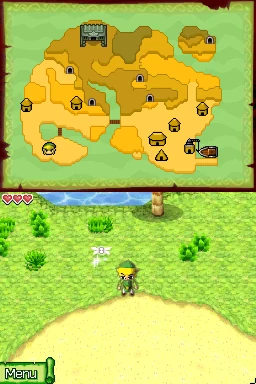 DSThe Legend of Zelda: Phantom HourglassThe Legend of Zelda: Phantom Hourglass runs at reported full speed with SeedlessDS high-resolution rendering on Lite. The reviewer reports substantial fast-forward headroom early on; not every touch or lid-close puzzle was tried.Pocket Duo and Duo Lite
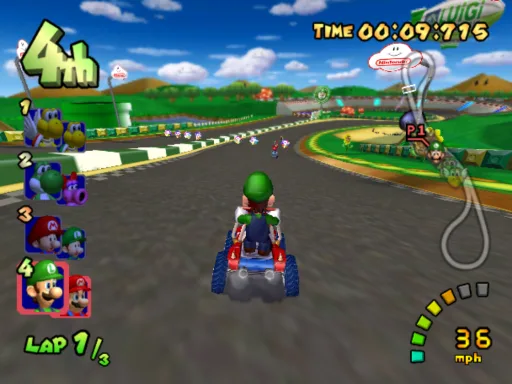 GameCubeMario Kart: Double Dash!!One Duo review held 60 fps at 2× in Dolphin.Pocket Duo
 3DSMonster Hunter 4GOne reviewer found the game stuttered at 4× after reusing another game’s profile, then improved at 3×. The emulator and driver are not named.Pocket Duo
Show 55 more
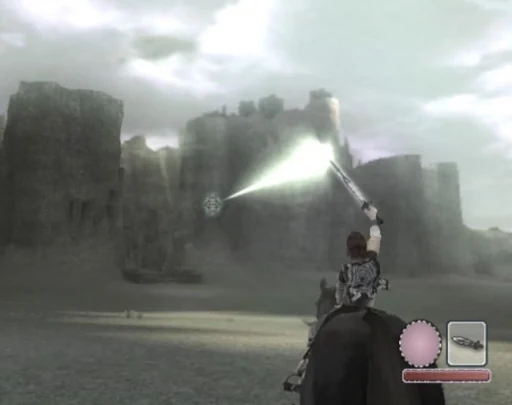 PS2Shadow of the ColossusNetherSX2 Classic at 2× was close to playable in one review. A separate native-resolution cinematic looks smooth, but its emulator is unconfirmed and boss-fight performance was not shown.Pocket Duo
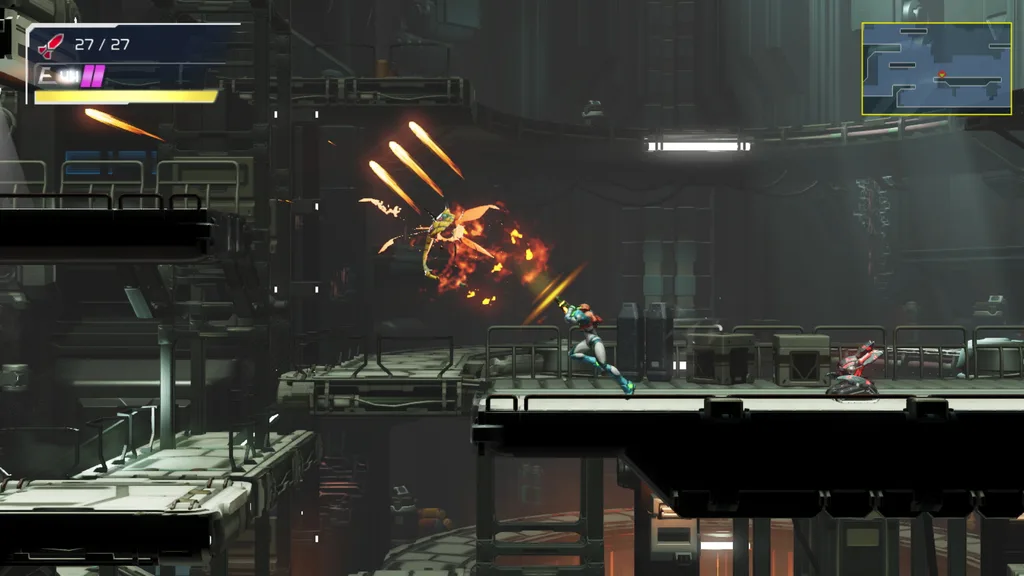 SwitchMetroid DreadOne Duo review saw a stable 35 to 40 fps in Eden Nightly with Mr. Purple’s T30 driver and a 67% speed limit. Frame generation raised the displayed rate to around 80, though the reviewer notes generated frames do not make the game more responsive.Pocket Duo
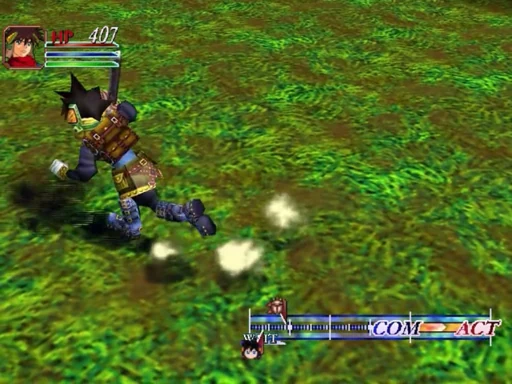 DreamcastGrandia IIFor Grandia II on Lite, the reviewer tried 2× but settled on 1×, and later gives the shown section a positive verdict. A 60 fps patch is discussed but was not tested.Pocket Duo Lite
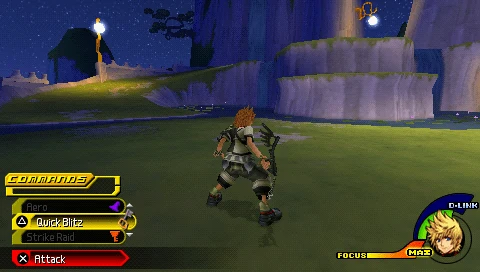 PSPKingdom Hearts: Birth by SleepKingdom Hearts: Birth by Sleep is described as running reasonably at 3× in PPSSPP on Lite, with stutters when the camera changes. Only a short scene was shown.Pocket Duo Lite
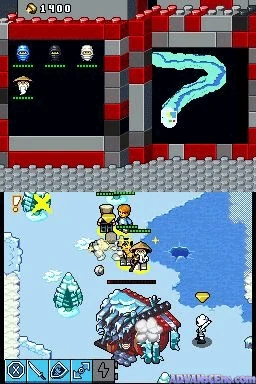 DSLEGO Battles: NinjagoIn LEGO Battles: Ninjago, the reviewer reports the SeedlessDS LCD shader appearing on only the top screen of Lite, and later disables it. The build is not shown, so newer versions may differ.Pocket Duo Lite
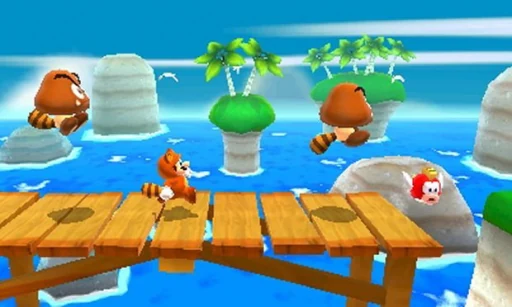 3DSSuper Mario 3D LandReviewers report smooth play around 3×, and a written review saw drops to around 45 fps on the stock driver. 4× worked in the areas shown but could stutter in one video.Pocket Duo
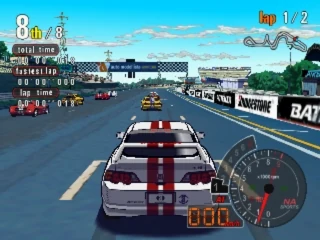 PS2Auto ModellistaAuto Modellista shows a nominal 60 fps counter but is not consistently smooth in the Lite ARMSX2 test. The reviewer reports slowdown and about 50 fps near the finish; the initial setup is 1×.Pocket Duo Lite
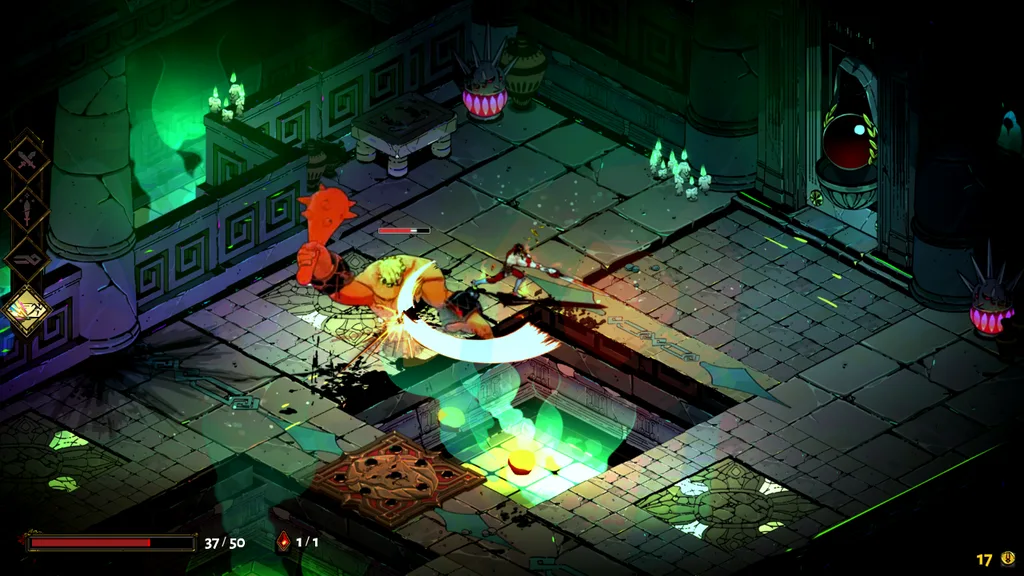 SwitchHadesOne Duo review saw around 40 fps in Eden Nightly with Mr. Purple’s T30 driver and a 67% speed limit, with frame generation lifting the displayed rate to around 80.Pocket Duo
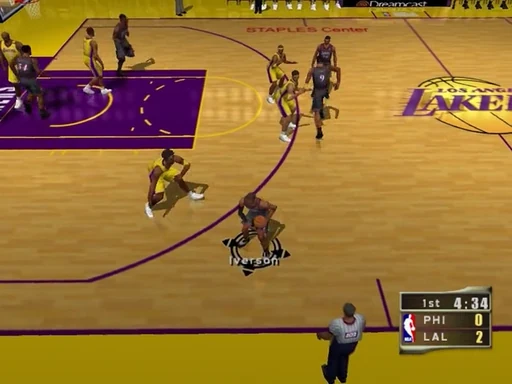 DreamcastNBA 2K2NBA 2K2 slows heavily on Lite despite high-performance mode. The reviewer reports roughly 60% speed in this short Flycast test. Frameskip 1 is suggested, but no retest is shown.Pocket Duo Lite
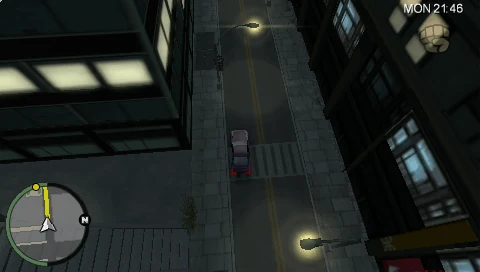 PSPGrand Theft Auto: Chinatown Wars (PSP)Grand Theft Auto: Chinatown Wars runs reasonably in this PPSSPP test on Lite, with hitching and loading-related drops. The reviewer’s comparison with the DS version is a personal preference, not a side-by-side test.Pocket Duo Lite
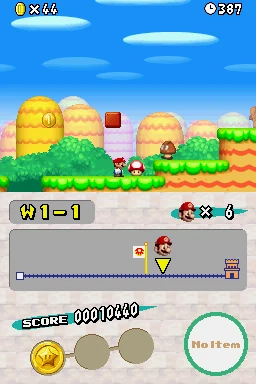 DSNew Super Mario Bros. (DS)New Super Mario Bros. shows intermittent scrolling stutter in the reviewer’s DraStic rev i18n test on Lite even while the speed counter says 100%. The build is not shown and the cause is unresolved.Pocket Duo Lite
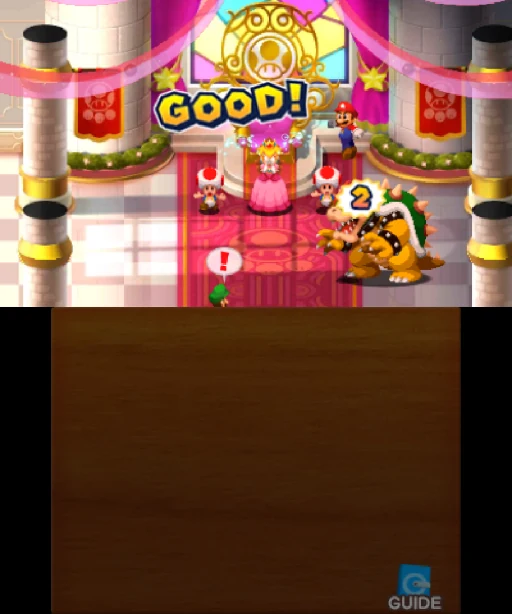 3DSMario & Luigi: Superstar Saga + Bowser’s MinionsOn a Duo Lite running the GammaOS Nano 1.5 beta, the game hard-locked after leaving fast-forward. The reviewer says the issue is still being worked on.Pocket Duo Lite
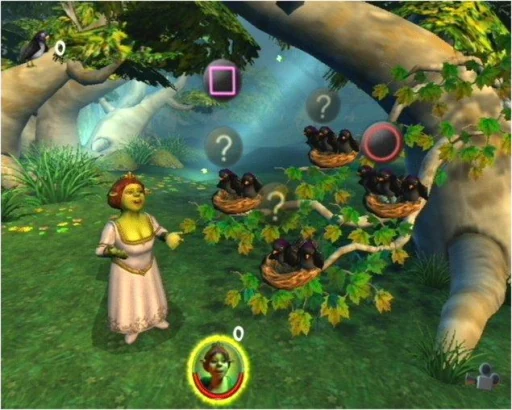 PS2Shrek 2Shrek 2 is close to full speed but choppy on Lite. The reviewer tries EE cycle skip and cycle-rate changes, then says the result may be worse. No reliable underclock fix was found.Pocket Duo Lite
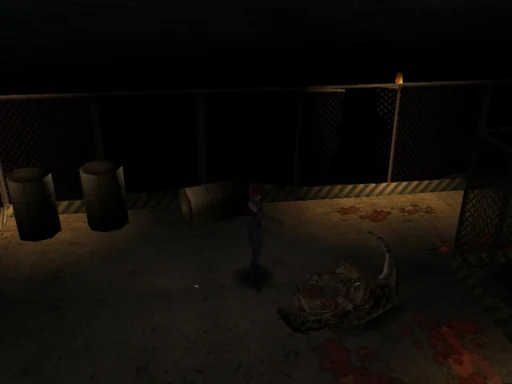 DreamcastDino Crisis (Dreamcast)Dino Crisis looks very dark to the reviewer in this Flycast test on Lite. They ask about a brightness setting; the cause and a fix are unknown.Pocket Duo Lite
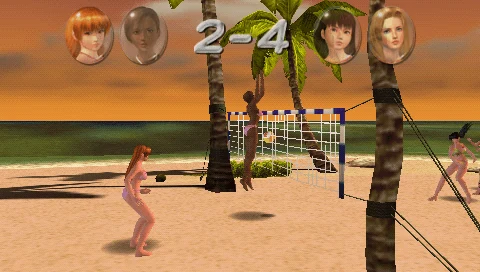 PSPDead or Alive ParadiseDead or Alive Paradise is started at 3× in PPSSPP on Lite, then crashes during this test. No working setup was found.Pocket Duo Lite
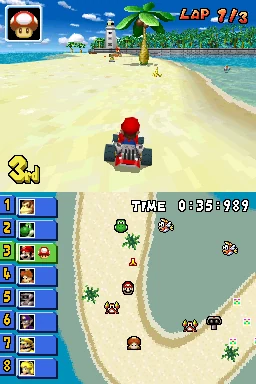 DSMario Kart DSMario Kart DS exposes a hold-button problem in the Lite SeedlessDS test: drifting and holding items behave like repeated presses. A controller test looks normal to the reviewer, and no fix for the emulator or button mapping is found.Pocket Duo Lite
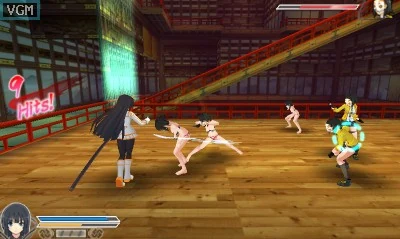 3DSSenran Kagura 2: Deep CrimsonOn a Duo Lite running the GammaOS Nano 1.5 beta, 2× shows some flickering. Controls then appear stuck after a Circle Pad Pro option is changed, and the reviewer is unsure whether the emulator crashed.Pocket Duo Lite
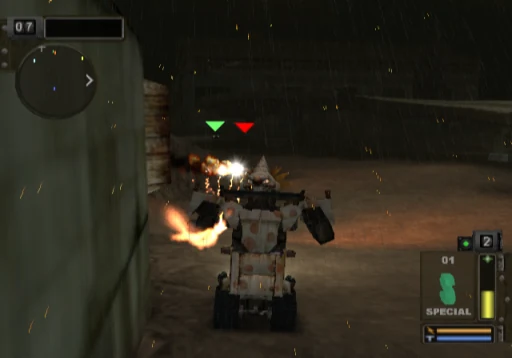 PS2Twisted Metal: BlackTwisted Metal: Black varies sharply in the Lite ARMSX2 test: the reviewer describes roughly half speed in busy scenes and full speed in emptier areas. They repeat 1× resolution and disabled hardware downloads. Shrek 2’s earlier EE cycle changes may still have applied.Pocket Duo Lite
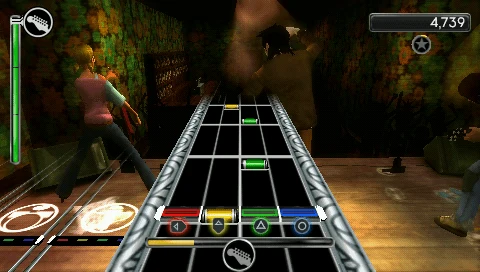 PSPRock Band UnpluggedRock Band Unplugged struggles at 3× on Lite. The reviewer reduces PPSSPP to 2× and reports a better result during the shown song, while also playing video on the lower screen.Pocket Duo Lite
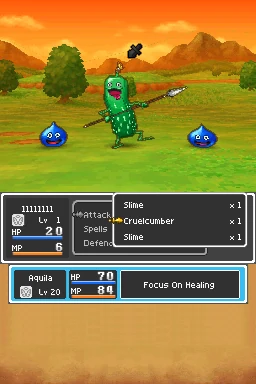 DSDragon Quest IX: Sentinels of the Starry SkiesDragon Quest IX: Sentinels of the Starry Skies gets a positive verdict in a short test with SeedlessDS high-resolution rendering on Lite. No frame rate is given and only a short stretch was played.Pocket Duo Lite
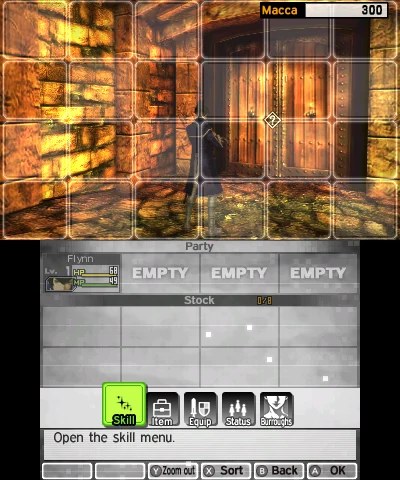 3DSShin Megami Tensei IVOn a Duo Lite running the GammaOS Nano 1.5 beta, the reviewer reports good speed at 2× with fast-forward headroom, though much of the short stretch shown is opening dialogue rather than combat.Pocket Duo Lite
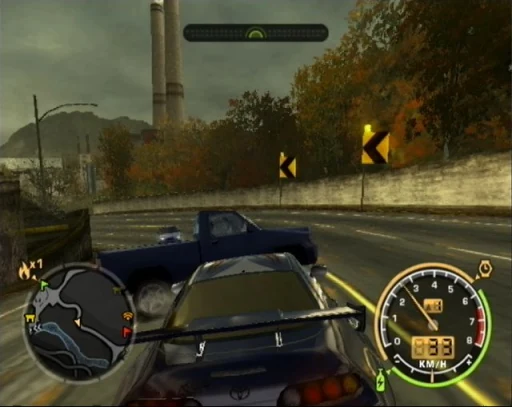 PS2Need for Speed: Most Wanted (PS2)Need for Speed: Most Wanted performs poorly in the Lite ARMSX2 test, with the reviewer reporting about 20 fps and 35% speed. Shrek 2’s earlier EE cycle changes may still have applied.Pocket Duo Lite
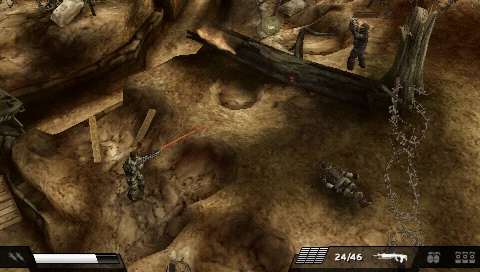 PSPKillzone: LiberationKillzone: Liberation is reduced from 3× to 2× in PPSSPP on Lite. The reviewer calls the short gameplay that follows playable; later missions were not shown.Pocket Duo Lite
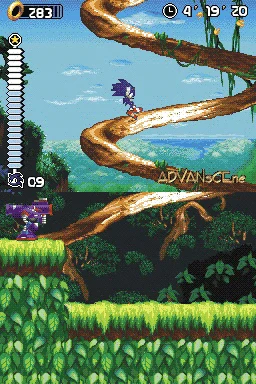 DSSonic RushIn Sonic Rush on Lite’s GammaOS preview, the reviewer reports smooth motion and closely synchronised screens by eye, with fast-forward headroom.Pocket Duo Lite
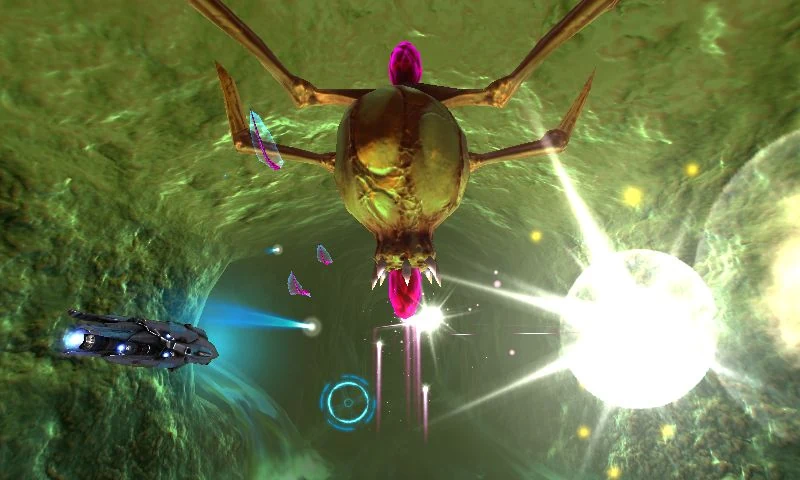 3DSNano Assault EXOn a Duo Lite running the GammaOS Nano 1.5 beta, the reviewer reports 60 fps at the default 2×, with a brief rendering disturbance that clears. Only early gameplay was shown.Pocket Duo Lite
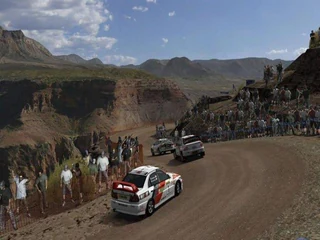 PS2Gran Turismo 4Gran Turismo 4 is well below full speed in the Lite ARMSX2 test. The reviewer reports roughly 35–42 fps and around 62% speed; no fix is shown. Shrek 2’s earlier EE cycle changes may still have applied.Pocket Duo Lite
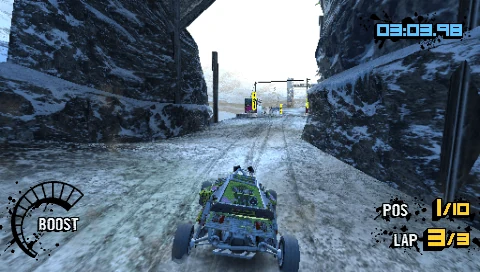 PSPMotorStorm: Arctic EdgeMotorStorm: Arctic Edge runs at roughly 50–56% speed at 3× in this Lite PPSSPP test. Lowering through 2× to 1× still produces reported drops to about 19–21 fps. Performance cheats are mentioned but were not tried.Pocket Duo Lite
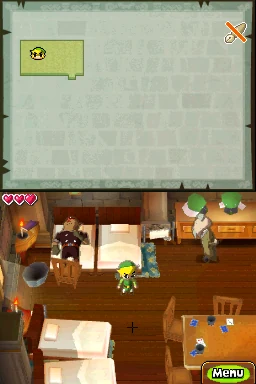 DSThe Legend of Zelda: Spirit TracksThe Legend of Zelda: Spirit Tracks touch controls are described as substantially better than stock on Lite’s GammaOS preview, but the reviewer still notices some delay. They call the short rock-picking and throwing stretch playable.Pocket Duo Lite
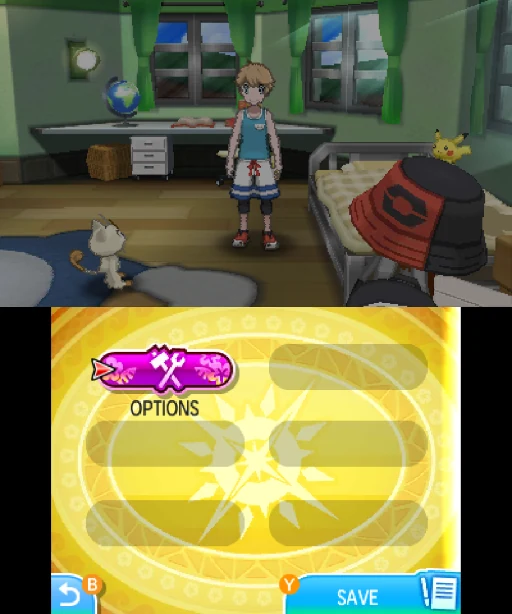 3DSPokémon Ultra SunThe regular Duo test reports a hardware-shader tradeoff at 3×: leaving it off avoids outlined Pokémon but limits fast-forward. An earlier Duo Lite test on a GammaOS beta used 2× for more headroom.Pocket Duo and Duo Lite
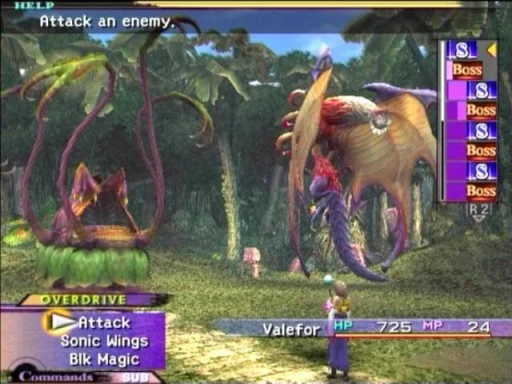 PS2Final Fantasy XFinal Fantasy X gets a positive verdict in the Lite ARMSX2 stream at 1×. The reviewer reports no slowdown in the shown overdrive sequence; later areas were not shown. Shrek 2’s earlier EE cycle changes may still have applied.Pocket Duo Lite
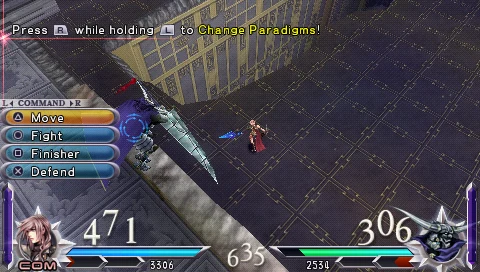 PSPDissidia 012 Final FantasyDissidia 012 Final Fantasy drops frames during special moves at 3× on Lite. The reviewer switches PPSSPP to 2×; no lasting measurement after the change is given.Pocket Duo Lite
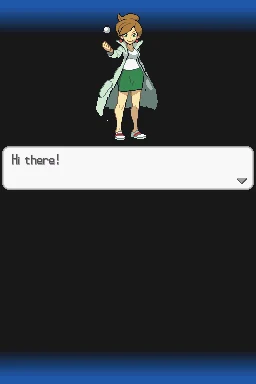 DSPokémon Black Version 2Pokémon Black Version 2 has a positive boot and title sequence on Lite’s GammaOS preview, including fast-forward headroom. Demanding battles and later areas were not shown.Pocket Duo Lite
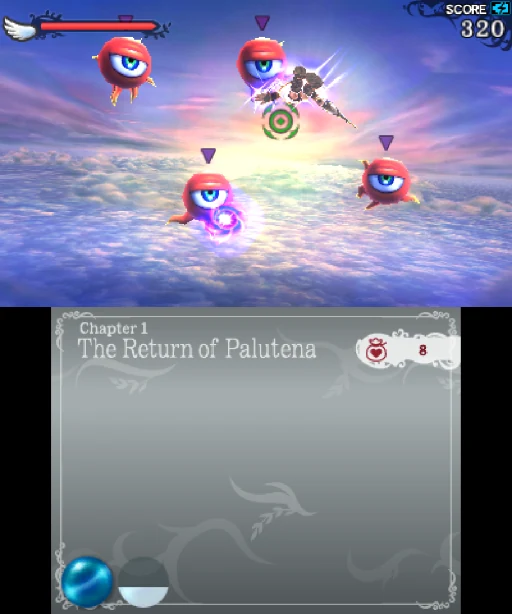 3DSKid Icarus: UprisingOn a Duo Lite running the GammaOS Nano 1.5 beta, the reviewer calls it playable but reports slowdown later in the sequence. A stand helps with the original touch controls; no control mod is installed.Pocket Duo Lite
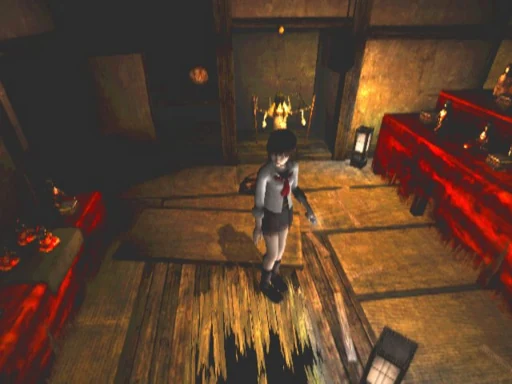 PS2Fatal FrameFatal Frame has a slow cutscene but reaches reported full speed during the shown gameplay on Lite. The reviewer is unsure about later ghost encounters. Shrek 2’s earlier EE cycle changes may still have applied.Pocket Duo Lite
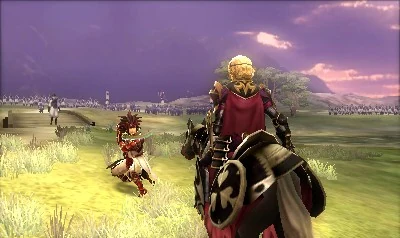 3DSFire Emblem Fates: BirthrightOn a Duo Lite running the GammaOS Nano 1.5 beta at 2×, repeated black flickering is distracting enough that the reviewer questions the experience, and fast-forward headroom does not fix it.Pocket Duo Lite
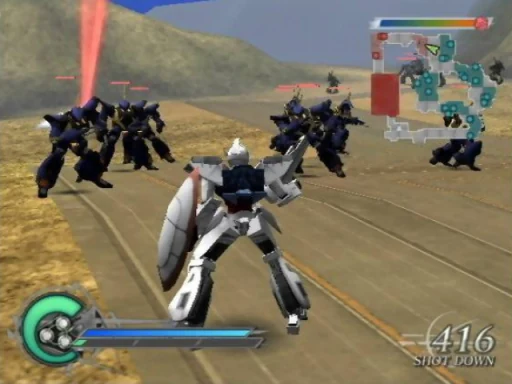 PS2Dynasty Warriors: Gundam 2Dynasty Warriors: Gundam 2 reaches a reported 60 fps at 1× during the shown Lite combat. Later, busier battles were not shown. Shrek 2’s earlier EE cycle changes may still have applied.Pocket Duo Lite
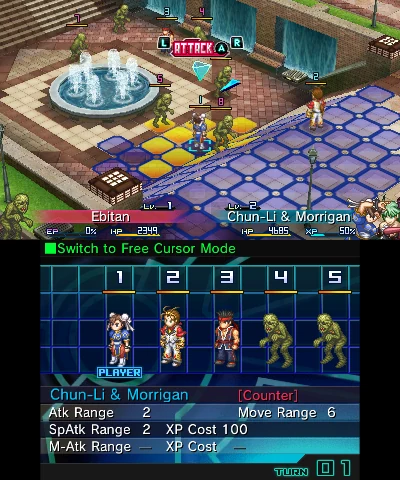 3DSProject X ZoneOn a Duo Lite running the GammaOS Nano 1.5 beta, the one short battle shown runs well, without the flickering seen in the earlier Fire Emblem test.Pocket Duo Lite
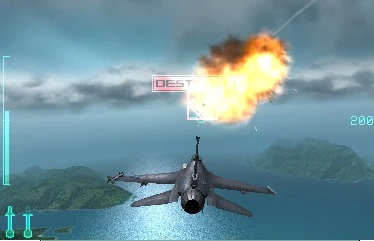 3DSAce Combat: Assault Horizon LegacyOn a Duo Lite running the GammaOS Nano 1.5 beta, the reviewer reports slowdowns in the flight footage and suggests trying 1×, which is not tested.Pocket Duo Lite
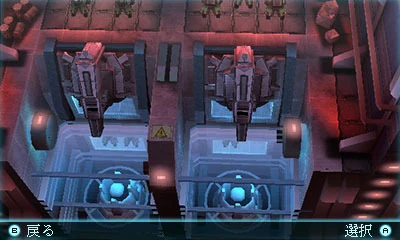 3DSTom Clancy’s Ghost Recon: Shadow WarsOn a Duo Lite running the GammaOS Nano 1.5 beta, the footage shows persistent rendering corruption even though the reviewer says speed looks fine, and they question whether it is playable.Pocket Duo Lite
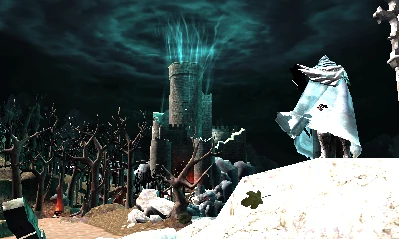 3DSCastlevania: Lords of Shadow – Mirror of FateOn a Duo Lite running the GammaOS Nano 1.5 beta at a confirmed 1×, the reviewer describes the opening as only partly playable and still demanding.Pocket Duo Lite
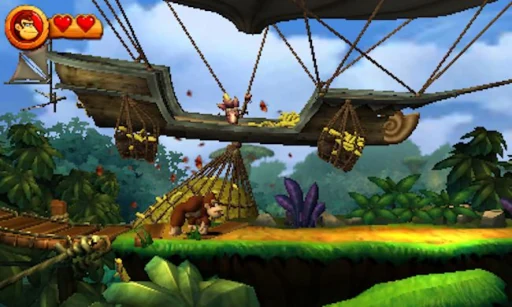 3DSDonkey Kong Country Returns 3DA regular Duo test reports near-full-speed play at 3× after enabling hardware shaders. An earlier Duo Lite test on a GammaOS beta reports acceptable gameplay at 2×, with slower menus or scenes. Both cover a short stretch of play.Pocket Duo and Duo Lite
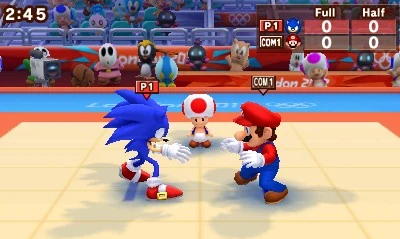 3DSMario & Sonic at the London 2012 Olympic GamesOn a Duo Lite running the GammaOS Nano 1.5 beta at 2×, the reviewer plays brief running and judo events. No frame rate or overall verdict is given.Pocket Duo Lite
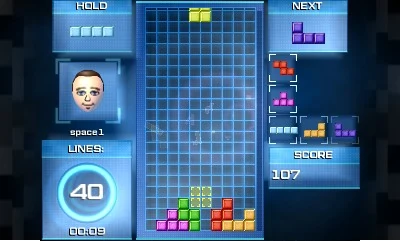 3DSTetris UltimateOn a Duo Lite running the GammaOS Nano 1.5 beta, the reviewer plays a short session and praises the D-pad for repeated inputs. No frame rate or latency figures are given.Pocket Duo Lite
 3DSStory of Seasons: Trio of TownsOn a Duo Lite running the GammaOS Nano 1.5 beta, the reviewer reports good speed but sees the lower-screen interface disappear around fast-forward changes, then return. The cause is unclear.Pocket Duo Lite
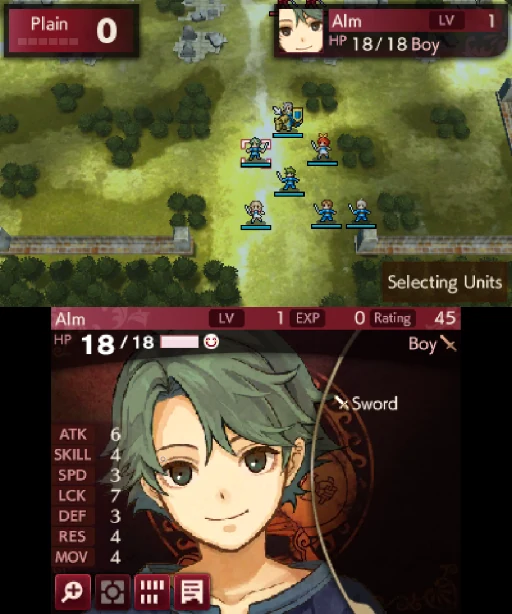 3DSFire Emblem Echoes: Shadows of ValentiaOn a Duo Lite running the GammaOS Nano 1.5 beta, a very brief test shows flickering similar to the earlier Fire Emblem test. It is too short to judge the whole game.Pocket Duo Lite
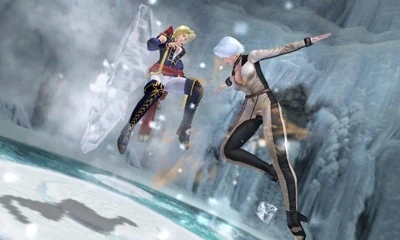 3DSDead or Alive: DimensionsOn a Duo Lite running the GammaOS Nano 1.5 beta, the reviewer plays several short fights and reports a good result. The resolution is not stated.Pocket Duo Lite
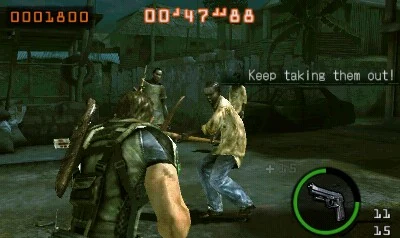 3DSResident Evil: The Mercenaries 3DResident Evil: The Mercenaries 3D remains a poor experience in this Lite test from before GammaOS. The reviewer first misnames the driver and corrects it, tries an unnamed Turnip build, then selects the system driver; the final test still struggles. The Azahar variant, build and resolution are unknown.Pocket Duo Lite
 3DSResident Evil: Revelations (3DS)Resident Evil: Revelations hard-crashes during this earlier Lite 3DS stream. The reviewer also says its fps counter is not working, so no reliable frame rate is available.Pocket Duo Lite
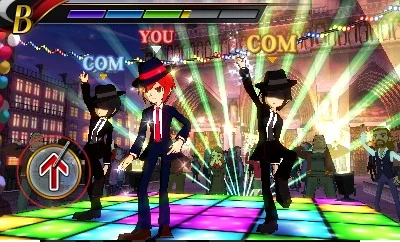 3DSRhythm Thief & the Emperor’s TreasureRhythm Thief & the Emperor’s Treasure runs at a reported roughly 25 fps on Lite with the system GPU driver. The reviewer cannot play the rhythm section reliably because timing is off; no working setup is shown.Pocket Duo Lite
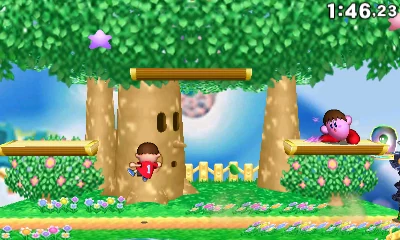 3DSSuper Smash Bros. for Nintendo 3DSAn earlier Duo Lite test reports unstable performance, with only occasional bursts of 60 fps. A later regular Duo video shows a short 3× Azahar clip without a frame rate. Emulator and driver builds are unknown in both.Pocket Duo and Duo Lite
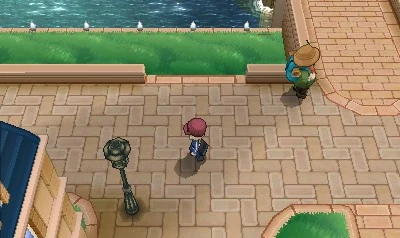 3DSPokémon XPokémon X gets a positive verdict in a short test on Lite’s GammaOS preview, with shader-compilation stutter and occasional graphical issues reported. The Azahar Nano menu shows 2× with dynamic resolution On, so it was not a fixed 2× throughout.Pocket Duo Lite
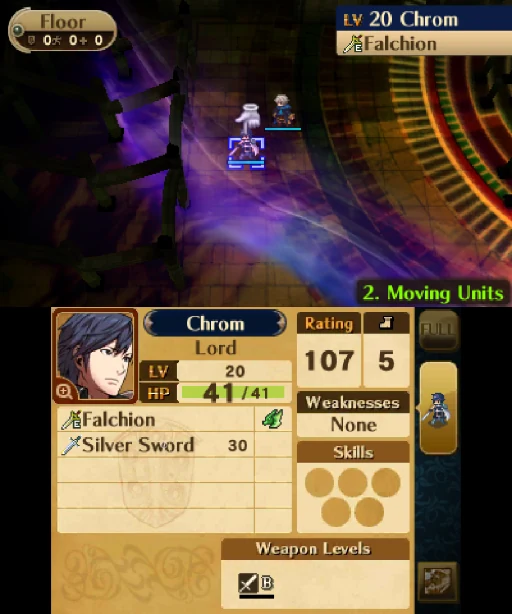 3DSFire Emblem AwakeningFire Emblem Awakening’s opening and tutorial battle get a positive verdict on Lite’s GammaOS preview, with some dips. The reviewer had already run the game once to compile shaders, so a first launch may run worse.Pocket Duo Lite
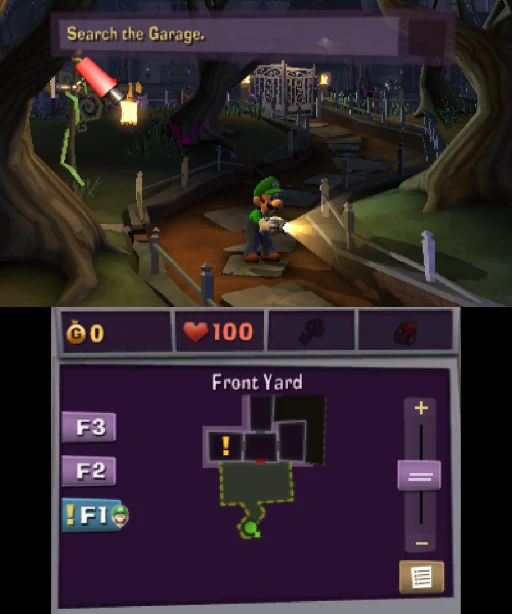 3DSLuigi’s Mansion: Dark MoonLuigi’s Mansion: Dark Moon remains a poor result in the Lite GammaOS preview. The reviewer lowers resolution to Native (1×) and disables dynamic resolution, then reports little improvement, and it is still not playable.Pocket Duo Lite
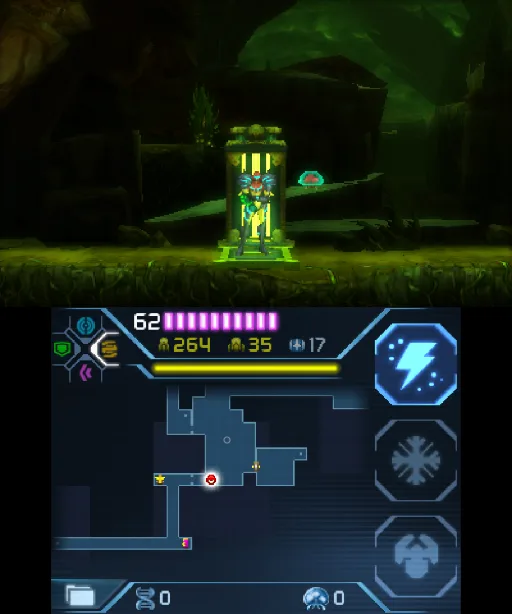 3DSMetroid: Samus ReturnsAt 4× in Azahar, one Duo review held around 30 to 31 fps on the stock Qualcomm driver and 27 to 28 fps with Mr. Purple’s T30, so the stock driver did slightly better here.Pocket Duo
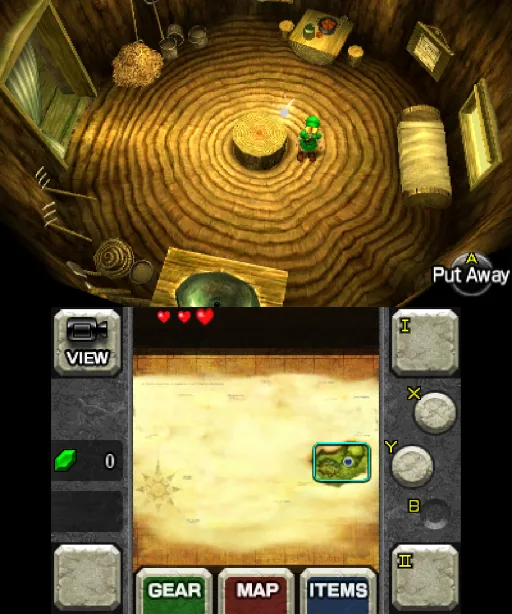 3DSThe Legend of Zelda: Ocarina of Time 3DOne Duo review found it looks and performs well at 4× in Azahar and named it a standout game to try on the Duo.Pocket Duo
Card screenshots come from Libretro, not from a Duo.
All game notesReviews and hands-on footage
 🔥 Probé la Retroid Pocket Duo: ¿Vale la pena para 3DS, Switch y más?Esto es Retro · First impressions
 Retroid Pocket Duo: The Ultimate Stress TestOJAYSAN · Gameplay test
 The new Dual Screen to get: Retroid Pocket DuoWULFF DEN · Review
 BIG Driver Updates for the Retroid Pocket DuoRetro Game Corps · Setup tip
Show 15 more
 千元双屏掌机RP Duo,上手体验到底如何?卡纸biubiu · First impressions
 The Dual-Screen Handheld We’ve Been Waiting For?OJAYSAN · First impressions
 Retroid Pocket Duo : premières impressions après déballageCloud Gaming France · First impressions
 OG Xbox Emulation on Android is REALLY Good NowRetro Game Corps · Setup tip
 Retroid Pocket Duo Lite, 3DS, GammaOS Nano and 17 games testforthenext · Hands-on livestream
 Duo Lite gets Fixed, Gamma hits us with ANOTHER ONEV1cariousGaming · Gameplay test
 Retroid Pocket DUO Review: Mid-game (+ Odin 3 Portal thoughts)Retro Handhelds · Review discussion
 Retroid Pocket Duo In-Depth ReviewRetro Game Corps · Review
 The Duo We Wanted // RETROID POCKET DUO REVIEWTechDweeb · Review
 Hands on With The Retroid Pocket Duo; A Little More Magic This TimeGardiner Bryant · Review
 Retroid Pocket Duo Lite, Dreamcast, Sonic Adventure 2 and your games testedforthenext · Hands-on livestream
 Retroid Pocket Duo Lite, 3DS, Resident Evil: The Mercenaries 3D and your games testedforthenext · Hands-on livestream
 Retroid Pocket Duo Lite, PSP, Ridge Racer 2 and 17 games testforthenext · Hands-on livestream
 Retroid Pocket Duo Lite, PS2, Auto Modellista and 32 games testforthenext · Hands-on livestream
 Retroid Pocket Duo Lite, NDS, The Legend of Zelda: Phantom Hourglass and 27 games testforthenext · Hands-on livestream