
Pocket Duo dual-screen troubleshooting: wrong screen, blank panel or tearing
Check display assignment, emulator launching and touch input on the Pocket Duo, then use a controlled refresh-rate comparison for screen tearing.
In this guide
First check whether the problem appears when you open the emulator directly, through your frontend, or both. That one comparison narrows the next step: a library chooses which physical display launches an app, while an emulator chooses how the game’s screens are arranged inside it.
Every check here is reversible.
The game screens are reversed
Open the emulator directly and check its screen assignment or layout controls. WatermelonDS documents separate external-display layouts, and Retro Handhelds mention correcting the initial screen assignment on a Duo. Menus may have moved since the video.
Change the assignment, then test a game menu that needs touch: tapping the lower panel should select the item you can see there. Save the layout where the app supports it, then close and reopen the game to check that the assignment sticks.
The library or launched app opens on the wrong panel
If direct launching works, look at the frontend’s launch-display choice next. In Cocoon, the dual-screen documentation separates display roles for Home from per-game and per-folder launch choices. Correct the setting for the misplaced screen, then repeat the same launch.
For a blank panel, check whether the app supports a separate external display at all and whether the selected layout uses it. A second-screen library companion and a dual-screen emulator are different apps with different display settings. After a layout change, restart only the affected app and test again before changing drivers or clearing data.
A black bar remains at the bottom of the lower screen
A regular Pocket Duo owner reported on November 4 that a black bar appeared at the bottom of the lower screen in both emulators and Android apps. They said a full device restart removed it. Their photo shows the symptom during a DS game, but the emulator and firmware build were not identified; this does not establish a fault in a particular emulator.
If yours behaves the same way, save your game and note whether the bar also appears outside the emulator. Restart the Duo, then check the same app and screen again. This is one community workaround, not a confirmed firmware fix. If the bar returns, record the firmware and app versions and a photo before changing rendering or layout settings.
The lower display tears when both panels are active
One Pocket Duo owner reported on 27 October 2026 that setting both displays to 60 Hz stopped tearing they saw with the top panel at 120 Hz. It’s a single report with no public link, so it’s worth a controlled test rather than a guaranteed fix.
Write down the current refresh rate of each panel. If the device’s display controls offer both choices, set each to 60 Hz, restart the emulator and replay the scene that tore. Keep the renderer, driver and resolution the same for this comparison. If it helps, note it with your game settings; if it doesn’t, restore the previous rates and look at the layout or rendering behaviour instead.
Colours look too vivid or differ between panels
Compare the same content in Android and the emulator, then on each panel where possible. The screen-colour guide walks through that check and covers why a Nova saturation setting or calibration profile hasn’t been shown to fix a Duo. Note brightness and white-tint differences separately from oversaturation.
Keep enough detail to make the next report useful
Note the regular Duo or Lite model, firmware, emulator build, game and region, renderer, driver filename, resolution and both refresh rates, and whether the issue also happens when you launch the app directly. A short clip of the same scene before and after one change helps a developer far more than saying an app “doesn’t work.”
Back up saves before following any advice that removes an app or resets its data. Take your repeatable example to the project’s issue tracker or documented support route; the DS and 3DS guide links each project and the review samples used here.
Apps in this guide
Latest releases. A video may have used an older version.
Sources
Related game notes
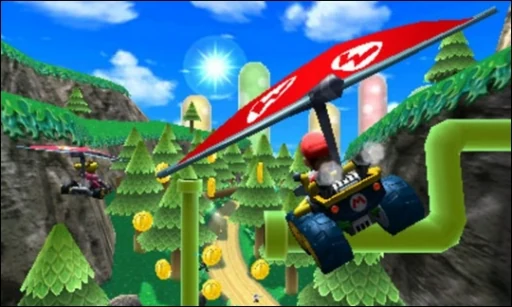
 3DSMario Kart 7Regular Duo reviews and an earlier Duo Lite test give different results, so check the hardware, emulator and driver on each short clip below.Pocket Duo and Duo Lite
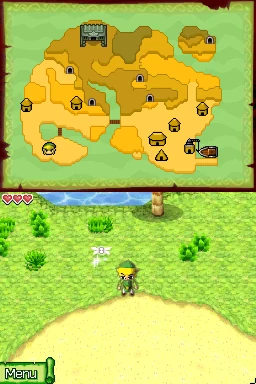 DSThe Legend of Zelda: Phantom HourglassThe Legend of Zelda: Phantom Hourglass runs at reported full speed with SeedlessDS high-resolution rendering on Lite. The reviewer reports substantial fast-forward headroom early on; not every touch or lid-close puzzle was tried.Pocket Duo and Duo Lite
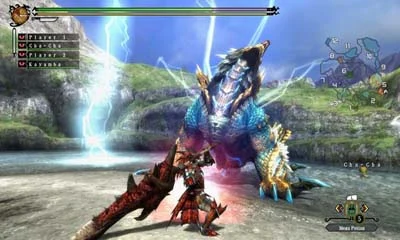 3DSMonster Hunter 4GOne reviewer found the game stuttered at 4× after reusing another game’s profile, then improved at 3×. The emulator and driver are not named.Pocket Duo
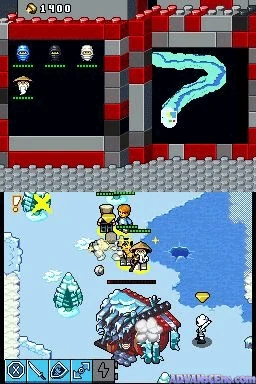 DSLEGO Battles: NinjagoIn LEGO Battles: Ninjago, the reviewer reports the SeedlessDS LCD shader appearing on only the top screen of Lite, and later disables it. The build is not shown, so newer versions may differ.Pocket Duo Lite
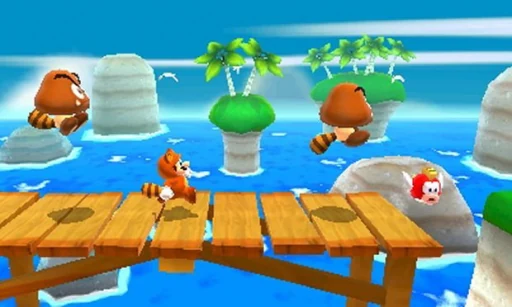 3DSSuper Mario 3D LandReviewers report smooth play around 3×, and a written review saw drops to around 45 fps on the stock driver. 4× worked in the areas shown but could stutter in one video.Pocket Duo
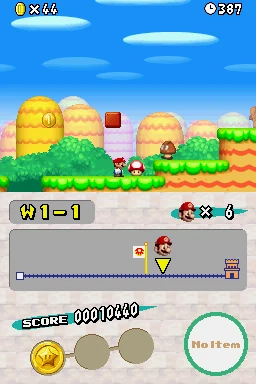 DSNew Super Mario Bros. (DS)New Super Mario Bros. shows intermittent scrolling stutter in the reviewer’s DraStic rev i18n test on Lite even while the speed counter says 100%. The build is not shown and the cause is unresolved.Pocket Duo Lite
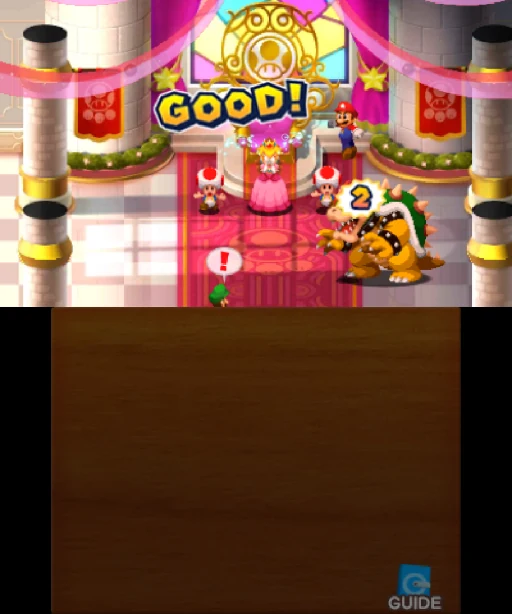 3DSMario & Luigi: Superstar Saga + Bowser’s MinionsOn a Duo Lite running the GammaOS Nano 1.5 beta, the game hard-locked after leaving fast-forward. The reviewer says the issue is still being worked on.Pocket Duo Lite
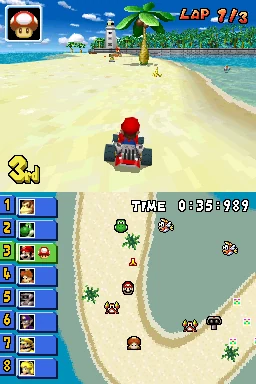 DSMario Kart DSMario Kart DS exposes a hold-button problem in the Lite SeedlessDS test: drifting and holding items behave like repeated presses. A controller test looks normal to the reviewer, and no fix for the emulator or button mapping is found.Pocket Duo Lite
Show 29 more
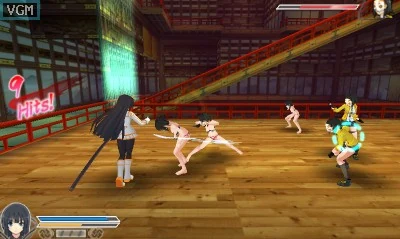 3DSSenran Kagura 2: Deep CrimsonOn a Duo Lite running the GammaOS Nano 1.5 beta, 2× shows some flickering. Controls then appear stuck after a Circle Pad Pro option is changed, and the reviewer is unsure whether the emulator crashed.Pocket Duo Lite
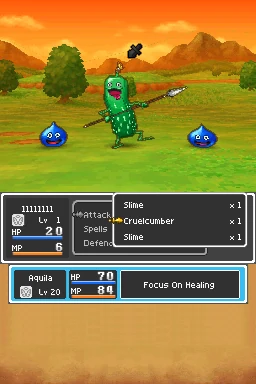 DSDragon Quest IX: Sentinels of the Starry SkiesDragon Quest IX: Sentinels of the Starry Skies gets a positive verdict in a short test with SeedlessDS high-resolution rendering on Lite. No frame rate is given and only a short stretch was played.Pocket Duo Lite
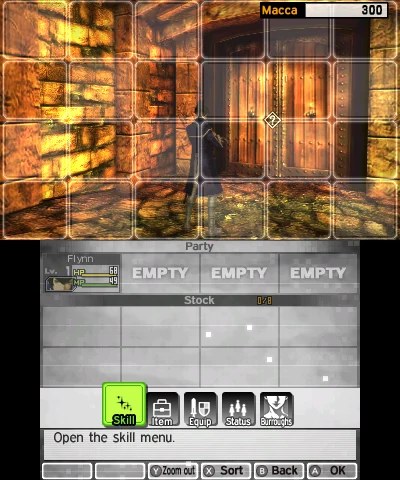 3DSShin Megami Tensei IVOn a Duo Lite running the GammaOS Nano 1.5 beta, the reviewer reports good speed at 2× with fast-forward headroom, though much of the short stretch shown is opening dialogue rather than combat.Pocket Duo Lite
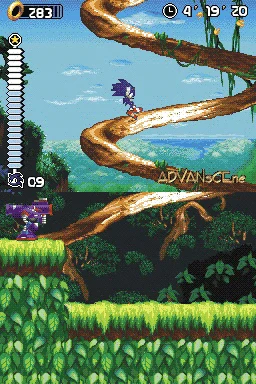 DSSonic RushIn Sonic Rush on Lite’s GammaOS preview, the reviewer reports smooth motion and closely synchronised screens by eye, with fast-forward headroom.Pocket Duo Lite
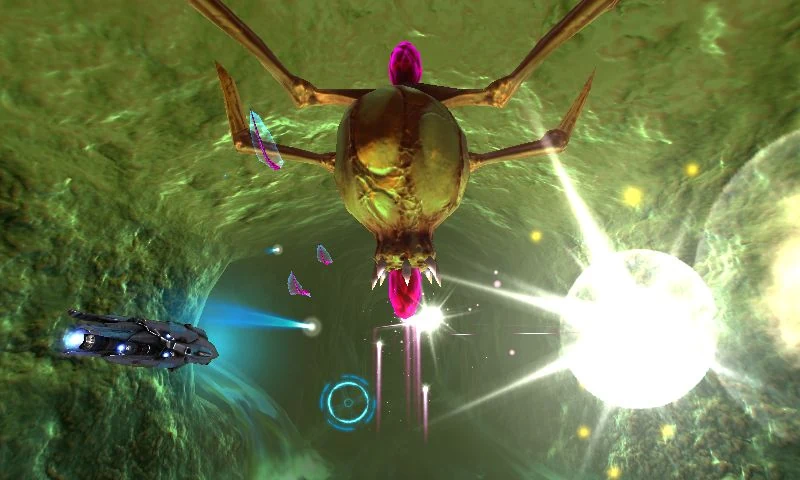 3DSNano Assault EXOn a Duo Lite running the GammaOS Nano 1.5 beta, the reviewer reports 60 fps at the default 2×, with a brief rendering disturbance that clears. Only early gameplay was shown.Pocket Duo Lite
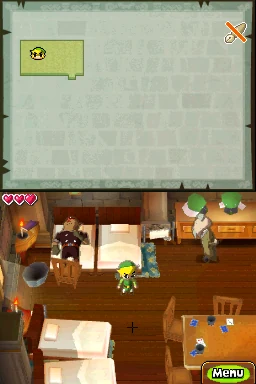 DSThe Legend of Zelda: Spirit TracksThe Legend of Zelda: Spirit Tracks touch controls are described as substantially better than stock on Lite’s GammaOS preview, but the reviewer still notices some delay. They call the short rock-picking and throwing stretch playable.Pocket Duo Lite
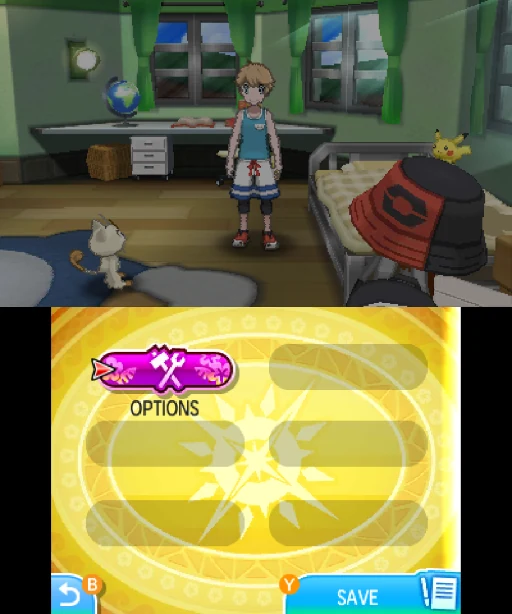 3DSPokémon Ultra SunThe regular Duo test reports a hardware-shader tradeoff at 3×: leaving it off avoids outlined Pokémon but limits fast-forward. An earlier Duo Lite test on a GammaOS beta used 2× for more headroom.Pocket Duo and Duo Lite
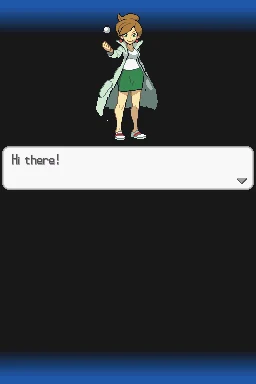 DSPokémon Black Version 2Pokémon Black Version 2 has a positive boot and title sequence on Lite’s GammaOS preview, including fast-forward headroom. Demanding battles and later areas were not shown.Pocket Duo Lite
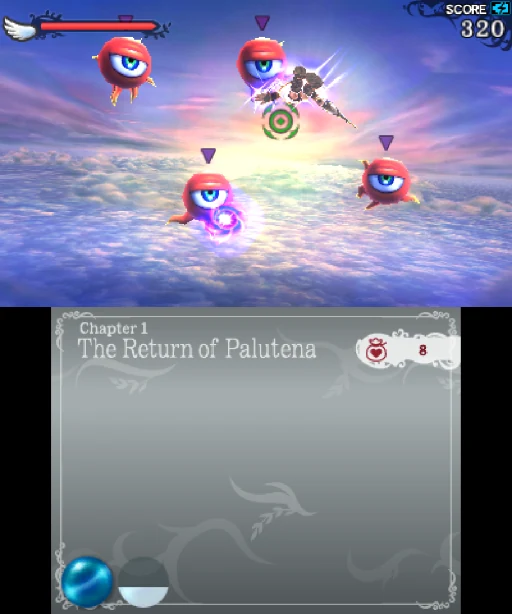 3DSKid Icarus: UprisingOn a Duo Lite running the GammaOS Nano 1.5 beta, the reviewer calls it playable but reports slowdown later in the sequence. A stand helps with the original touch controls; no control mod is installed.Pocket Duo Lite
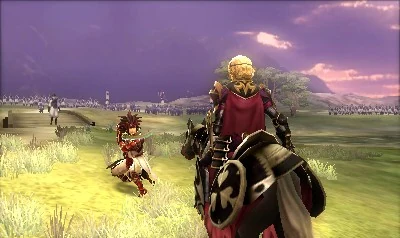 3DSFire Emblem Fates: BirthrightOn a Duo Lite running the GammaOS Nano 1.5 beta at 2×, repeated black flickering is distracting enough that the reviewer questions the experience, and fast-forward headroom does not fix it.Pocket Duo Lite
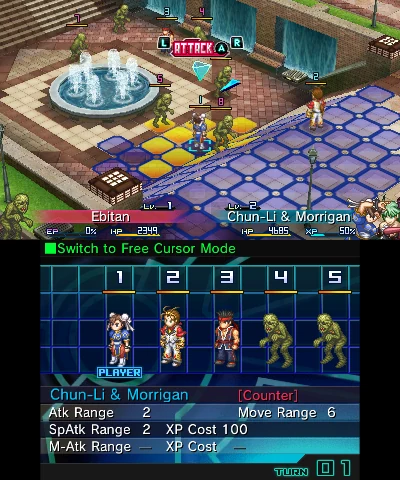 3DSProject X ZoneOn a Duo Lite running the GammaOS Nano 1.5 beta, the one short battle shown runs well, without the flickering seen in the earlier Fire Emblem test.Pocket Duo Lite
 3DSAce Combat: Assault Horizon LegacyOn a Duo Lite running the GammaOS Nano 1.5 beta, the reviewer reports slowdowns in the flight footage and suggests trying 1×, which is not tested.Pocket Duo Lite
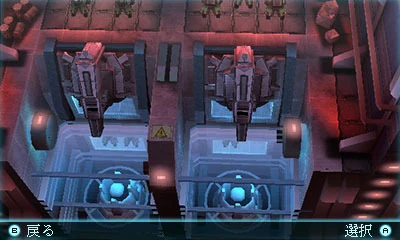 3DSTom Clancy’s Ghost Recon: Shadow WarsOn a Duo Lite running the GammaOS Nano 1.5 beta, the footage shows persistent rendering corruption even though the reviewer says speed looks fine, and they question whether it is playable.Pocket Duo Lite
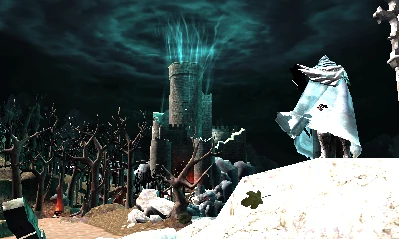 3DSCastlevania: Lords of Shadow – Mirror of FateOn a Duo Lite running the GammaOS Nano 1.5 beta at a confirmed 1×, the reviewer describes the opening as only partly playable and still demanding.Pocket Duo Lite
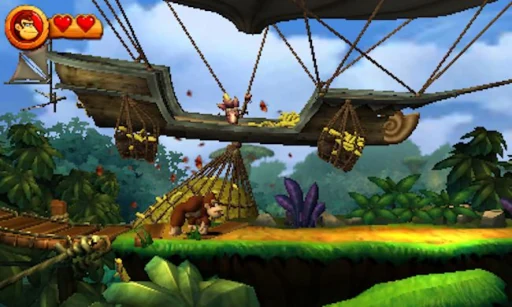 3DSDonkey Kong Country Returns 3DA regular Duo test reports near-full-speed play at 3× after enabling hardware shaders. An earlier Duo Lite test on a GammaOS beta reports acceptable gameplay at 2×, with slower menus or scenes. Both cover a short stretch of play.Pocket Duo and Duo Lite
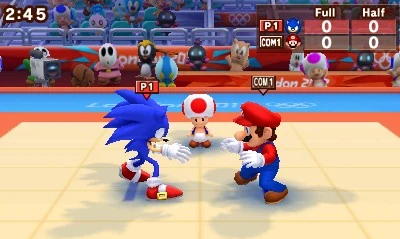 3DSMario & Sonic at the London 2012 Olympic GamesOn a Duo Lite running the GammaOS Nano 1.5 beta at 2×, the reviewer plays brief running and judo events. No frame rate or overall verdict is given.Pocket Duo Lite
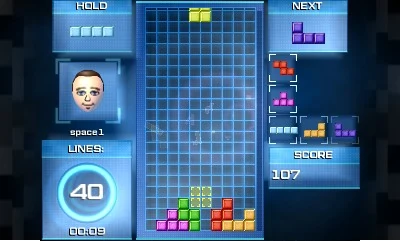 3DSTetris UltimateOn a Duo Lite running the GammaOS Nano 1.5 beta, the reviewer plays a short session and praises the D-pad for repeated inputs. No frame rate or latency figures are given.Pocket Duo Lite
 3DSStory of Seasons: Trio of TownsOn a Duo Lite running the GammaOS Nano 1.5 beta, the reviewer reports good speed but sees the lower-screen interface disappear around fast-forward changes, then return. The cause is unclear.Pocket Duo Lite
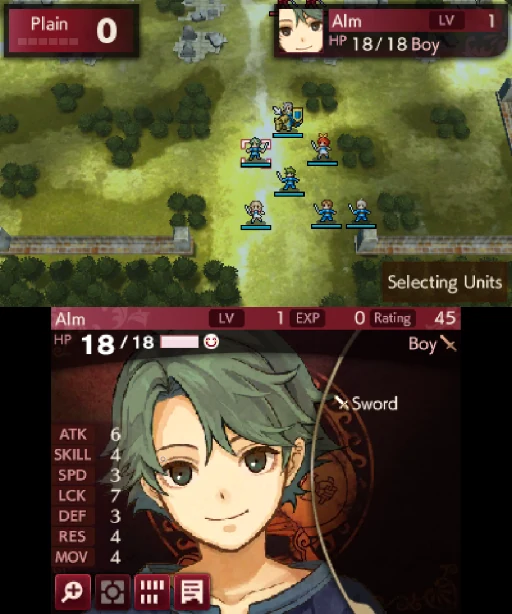 3DSFire Emblem Echoes: Shadows of ValentiaOn a Duo Lite running the GammaOS Nano 1.5 beta, a very brief test shows flickering similar to the earlier Fire Emblem test. It is too short to judge the whole game.Pocket Duo Lite
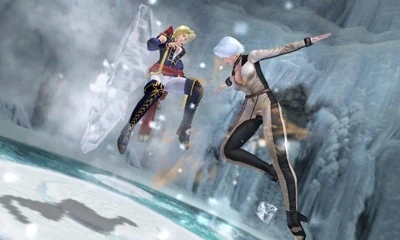 3DSDead or Alive: DimensionsOn a Duo Lite running the GammaOS Nano 1.5 beta, the reviewer plays several short fights and reports a good result. The resolution is not stated.Pocket Duo Lite
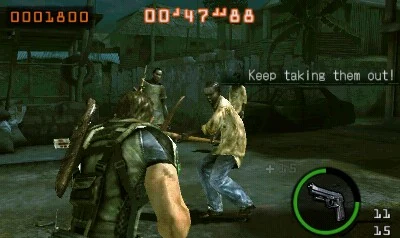 3DSResident Evil: The Mercenaries 3DResident Evil: The Mercenaries 3D remains a poor experience in this Lite test from before GammaOS. The reviewer first misnames the driver and corrects it, tries an unnamed Turnip build, then selects the system driver; the final test still struggles. The Azahar variant, build and resolution are unknown.Pocket Duo Lite
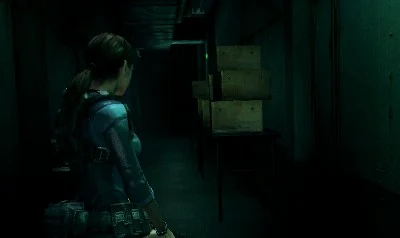 3DSResident Evil: Revelations (3DS)Resident Evil: Revelations hard-crashes during this earlier Lite 3DS stream. The reviewer also says its fps counter is not working, so no reliable frame rate is available.Pocket Duo Lite
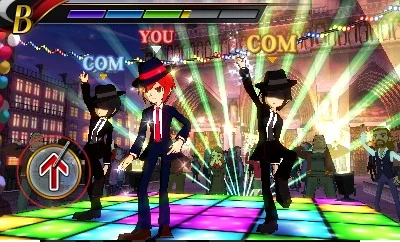 3DSRhythm Thief & the Emperor’s TreasureRhythm Thief & the Emperor’s Treasure runs at a reported roughly 25 fps on Lite with the system GPU driver. The reviewer cannot play the rhythm section reliably because timing is off; no working setup is shown.Pocket Duo Lite
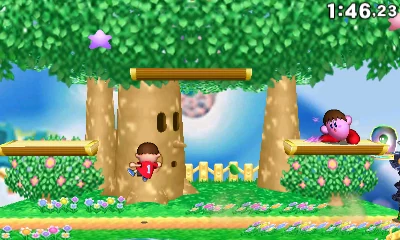 3DSSuper Smash Bros. for Nintendo 3DSAn earlier Duo Lite test reports unstable performance, with only occasional bursts of 60 fps. A later regular Duo video shows a short 3× Azahar clip without a frame rate. Emulator and driver builds are unknown in both.Pocket Duo and Duo Lite
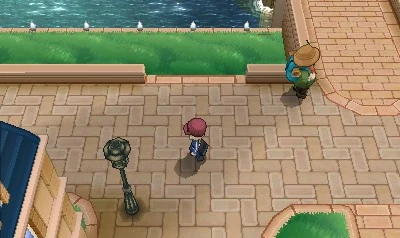 3DSPokémon XPokémon X gets a positive verdict in a short test on Lite’s GammaOS preview, with shader-compilation stutter and occasional graphical issues reported. The Azahar Nano menu shows 2× with dynamic resolution On, so it was not a fixed 2× throughout.Pocket Duo Lite
 3DSFire Emblem AwakeningFire Emblem Awakening’s opening and tutorial battle get a positive verdict on Lite’s GammaOS preview, with some dips. The reviewer had already run the game once to compile shaders, so a first launch may run worse.Pocket Duo Lite
 3DSLuigi’s Mansion: Dark MoonLuigi’s Mansion: Dark Moon remains a poor result in the Lite GammaOS preview. The reviewer lowers resolution to Native (1×) and disables dynamic resolution, then reports little improvement, and it is still not playable.Pocket Duo Lite
 3DSMetroid: Samus ReturnsAt 4× in Azahar, one Duo review held around 30 to 31 fps on the stock Qualcomm driver and 27 to 28 fps with Mr. Purple’s T30, so the stock driver did slightly better here.Pocket Duo
 3DSThe Legend of Zelda: Ocarina of Time 3DOne Duo review found it looks and performs well at 4× in Azahar and named it a standout game to try on the Duo.Pocket Duo
Card screenshots come from Libretro, not from a Duo.
All game notesReviews and hands-on footage
 🔥 Probé la Retroid Pocket Duo: ¿Vale la pena para 3DS, Switch y más?Esto es Retro · First impressions
 Retroid Pocket Duo: The Ultimate Stress TestOJAYSAN · Gameplay test
 The new Dual Screen to get: Retroid Pocket DuoWULFF DEN · Review
 BIG Driver Updates for the Retroid Pocket DuoRetro Game Corps · Setup tip
Show 11 more
 千元双屏掌机RP Duo,上手体验到底如何?卡纸biubiu · First impressions
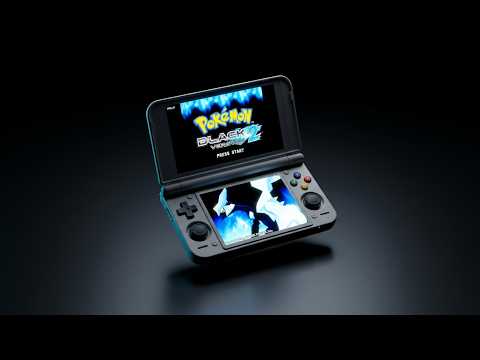 The Dual-Screen Handheld We’ve Been Waiting For?OJAYSAN · First impressions
 Retroid Pocket Duo : premières impressions après déballageCloud Gaming France · First impressions
 Retroid Pocket Duo Lite, 3DS, GammaOS Nano and 17 games testforthenext · Hands-on livestream
 Duo Lite gets Fixed, Gamma hits us with ANOTHER ONEV1cariousGaming · Gameplay test
 Retroid Pocket DUO Review: Mid-game (+ Odin 3 Portal thoughts)Retro Handhelds · Review discussion
 Retroid Pocket Duo In-Depth ReviewRetro Game Corps · Review
 The Duo We Wanted // RETROID POCKET DUO REVIEWTechDweeb · Review
 Hands on With The Retroid Pocket Duo; A Little More Magic This TimeGardiner Bryant · Review
 Retroid Pocket Duo Lite, 3DS, Resident Evil: The Mercenaries 3D and your games testedforthenext · Hands-on livestream
 Retroid Pocket Duo Lite, NDS, The Legend of Zelda: Phantom Hourglass and 27 games testforthenext · Hands-on livestream